Keeping a CPD record
A CPD record is easier to keep up to date when you use the same simple method every time you attend training. This guide gives renal-care staff a practical way to store proof of learning, note key details and stay ready for internal checks or registration queries.
Why a CPD record matters
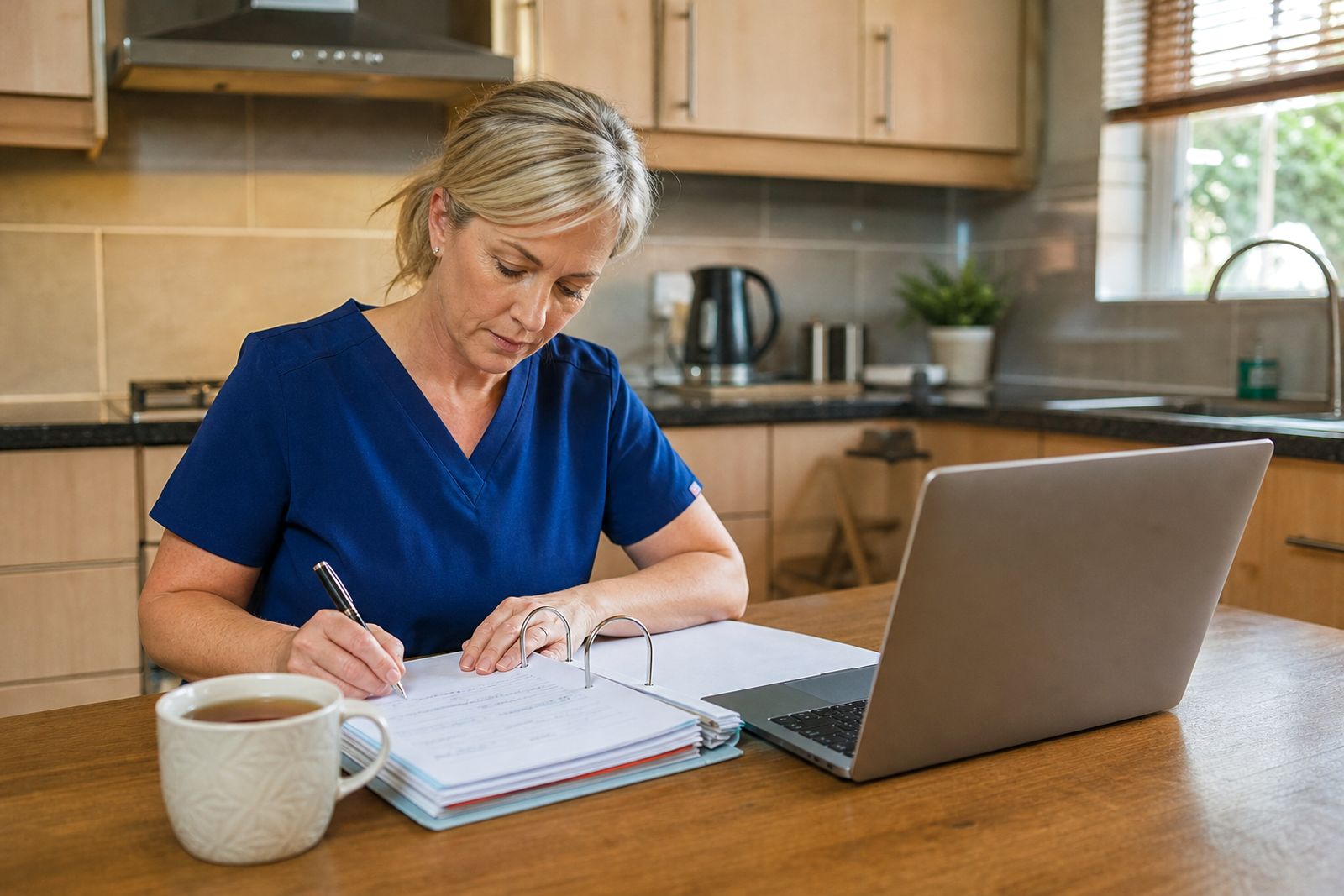
For renal-care teams, learning happens in different ways. It may be a workshop, a conference session, a technician course, an in-unit teaching talk or a supplier open day with practical demonstrations. If you do not record each activity while it is still fresh, small details get lost. Later on, you may struggle to remember the topic covered, where it was held or what proof you received.
A tidy CPD record helps with more than one purpose. It gives you a personal history of your learning, helps you prepare for performance discussions and makes it easier to show what training your role has included. In busy units there is a lot going on and paperwork can pile up quickly, so a simple method works better than a complicated one.
Your record does not need fancy software. A notebook, a spreadsheet and one digital folder are often enough if you use them consistently. What matters most is that the information is complete and easy to find when needed.
What to record after every activity
As soon as you finish an event or training session, write down the core details. Do it on the same day if possible. That saves you from trying to reconstruct things weeks later from memory. If you travelled from Bloemfontein to another town for a meeting or training day, note that too because travel notes can help later when you are checking dates and attendance.
- Name of the activity or session.
- Type of activity, such as workshop, course, conference session or open day.
- Date attended.
- Venue name and town.
- Organiser name.
- Main topic or skills covered.
- Proof of attendance received, such as a certificate, register entry or confirmation letter.
- Your short reflection on what you learned and how it applies in practice.
Keep your notes brief but useful. One or two lines on the learning outcome are usually enough. For example, you might note that the session refreshed maintenance checks, infection-control reminders or documentation practice. You do not need to write an essay, but one clear sentence is far better than leaving the learning section blank.
Set up one paper file and one digital folder
The easiest system is usually a mixed one. Keep originals or printed proof in a physical file, and store scans or photos in a digital folder. That way you still have a copy if a page is misplaced, coffee gets spilled, or a certificate fades over time. Coastal humidity can also affect paper if it is stored badly, so plastic sleeves or a closed file help.
Give both the paper file and the digital folder the same structure. You can sort by month, by type of learning, or by provider. Most people find date order simplest. If you save files digitally, use names that make sense at a glance, such as the date followed by the activity type and town. A clear filename saves time later.
- Use one main folder called CPD Record.
- Create subfolders for workshops, courses, conferences and open days.
- Save proof as PDF or clear photo files.
- Keep one running log in a spreadsheet or notebook.
- Back up the digital folder to a second device or secure cloud storage.
If power cuts interrupt your admin time, keep a small paper checklist in your bag or locker so you can still capture details first and upload documents later. That small habit helps a lot in busy weeks.
Write a short reflection that means something
A reflection does not need academic language. It should simply show what the activity added to your work. This is often the part people skip, yet it can be the most useful section later when you review where your learning has been focused.
Try a basic three-part note. First, write what the session covered. Second, note one point that stood out. Third, record what you plan to do with that information in your own setting. For example, you may plan to tighten a maintenance routine, review stock handling, check patient education wording or discuss a process with the unit manager. Keep it practical and honest.
If a session was broad and did not change your daily work much, say so clearly. Not every event produces a major change. Sometimes the value is simply keeping knowledge current or comparing how other units handle common issues. That still counts as useful learning and it is worth recording.
Check your record every month
Do not wait until the end of the year or until someone asks for proof. A monthly check takes far less effort. Pick one regular time, such as the last Friday of the month or the first admin morning after pay day. Open your file, check your log and make sure each activity has both notes and proof attached.
- Confirm that every attended event is listed.
- Check that dates and venue details match your proof.
- Add missing scans or photos.
- Make sure your reflection is filled in.
- Remove duplicate files and rename unclear documents.
- Back up the folder again.
This review also helps you spot gaps in your learning. You may notice that most of your CPD has been conference based, while practical hands-on training has been limited. Or you may see that technicians in the team need a different mix from nursing staff. A monthly review keeps the record clean and helps with planning, not just filing.
Common mistakes and a simple fix
The most common problem is leaving everything for later. Certificates end up in drawers, screenshots stay on a phone, and diary notes never get transferred to the main file. Another common issue is storing documents with vague names like scan1 or image. After a few months that turns into a mess quite quickly.
A simple fix is to use the same closing routine after every event. Before you move on to the next task, save the proof, enter the details in your log and write your one or two reflection lines. It takes only a few minutes when done straight away.
If you attend events listed on our calendar, read the listing carefully before you travel. Make a note of the organiser's booking details, keep your attendance confirmation and after the event add the final proof you received. If you are unsure what counts as adequate proof for your own records, check with your employer or registration requirements. Dialysis SA lists training and event information with booking links to the organiser, but each attendee remains responsible for keeping their own CPD file complete.
A neat record is not about extra admin for its own sake. It saves time, avoids stress and gives you a clearer view of your learning over time. Start with the next event you attend and keep the method simple, even if your first file is not perfect.
What our Renal Training customers say
Verified Google reviews
Questions we get asked
Can I keep my CPD record only in digital form?
Yes, many people do, as long as the files are clear, organised and backed up. It is still wise to keep printed copies of important proof if you can.
What if I attended a session but did not receive a certificate?
Record the activity anyway and keep any other proof you have, such as a booking confirmation, attendance register note or organiser message. Add your own dated notes while the details are still fresh.
Does Dialysis SA store my CPD documents for me?
No. Dialysis SA provides event and training listings with venue details and booking links to the organiser. Each attendee must keep their own CPD notes and proof.
Also worth a look
List an event or ask a question
Send a note through our contact form with the event, the organiser and the dates, or your question about the calendar, and our editor will contact you.
Open the contact form